Meme maker, fancy text and other fun tools
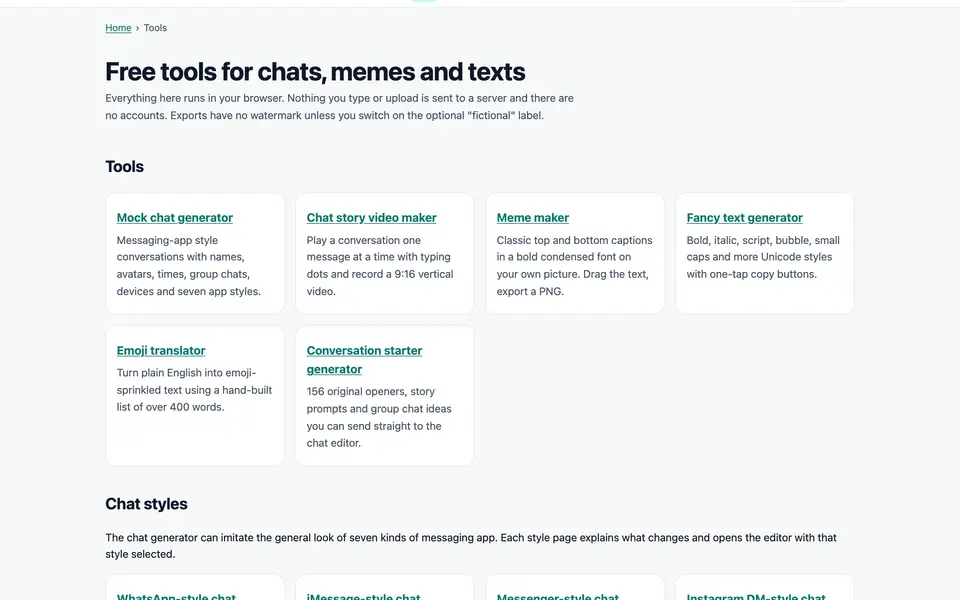
The chat generator is the heart of Matat, but a few smaller tools sit next to it for the jobs around a good post: a classic captioned meme, a bio in bold script, a sentence full of emoji or a first line when you are stuck.
All of them follow the same rules as the editor. They run in your browser, nothing you type or upload is sent anywhere, and there is no account. You find them on the tools page.
Step by step
Make a captioned meme
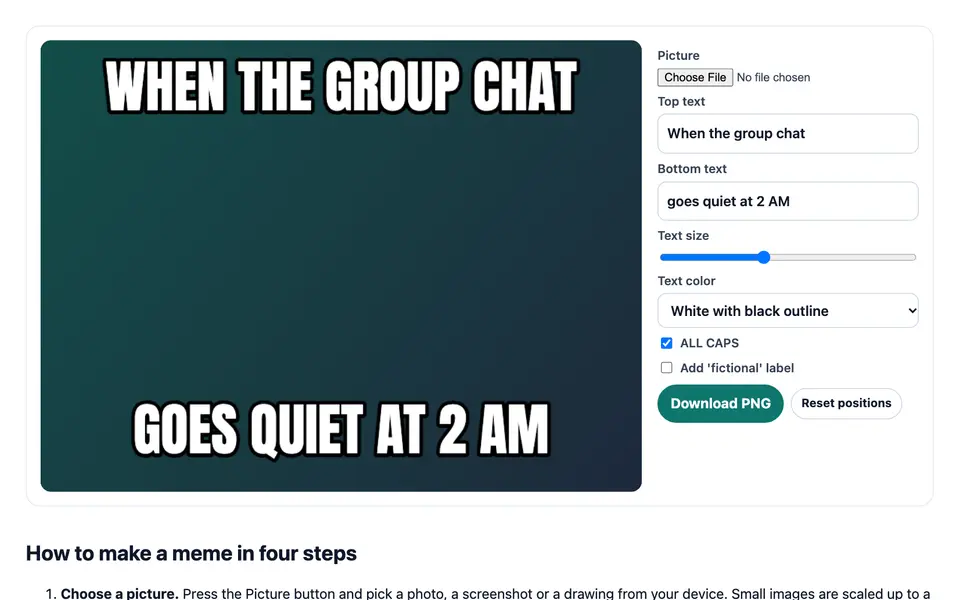
Open the meme maker and choose a picture from your device. Type the Top text and Bottom text, set Text size and Text color (white, yellow or black with an outline) and toggle ALL CAPS. Drag either caption to move it, or use the arrow keys for the top one and Shift+arrows for the bottom one. Press Download PNG.
Style your text
The fancy text generator turns what you type into bold, italic, script, gothic, double-struck, bubble, small caps, monospace, wide and more. Every version updates as you type; press Copy next to the one you like and paste it into a bio, a caption or a chat message.
Translate into emoji
In the emoji translator, type an English sentence and pick a Mode: add emoji after words, replace words or emoji only. Copy the result, or press Send to chat editor to place it in the message box of the generator.
Find a first line
The conversation starters tool offers original openers, story prompts and group chat ideas. Pick a category or keep All ideas, press Another idea until one fits, then press Send to editor. The idea lands in the chat's message box; press Add message to use it and write what happens next.
Turn the idea into a chat
Back in the generator, answer the opener as the other person, add two or three quick replies and let the scene escalate. Pick an app style that suits the joke, add a reaction to the best line and export a PNG or record a video. If the idea does not work out, Ctrl+Z takes you back, and Another idea is one click away.
Combining the tools
The tools are most fun together. Use a conversation starter as the first bubble, run the punchline through the emoji translator for the chaotic friend, and give a character a fancy-text name in the header. Export the chat as a PNG, then load it into the meme maker for a top and bottom caption around the screenshot.
For a video, finish the chat first and record it in the Video tab; see chat story videos.
Accessibility and limits
Fancy text uses special Unicode letters. Screen readers may read them letter by letter or skip them, and some older devices show empty boxes, so keep styled text short and decorative. Accented letters and non-Latin scripts usually stay unchanged. The emoji translator and the starters are English-only for now; the editor itself works in many languages.
Memes and real people
Use pictures you took or have permission to use. Memes about public events are fine; memes that put false words in a real person's mouth, mock private people or target someone for harassment are not. The same acceptable use rules cover every tool on the site.
Questions
Is the meme maker watermarked?
No. The PNG is exactly your picture and captions.
How big can my meme picture be?
Any size; very large images are scaled to 1,600 pixels on the long side so the download stays manageable.
Do these tools store what I type?
No. Everything is processed in your browser and disappears when you close the page, apart from the chat draft in the generator.